

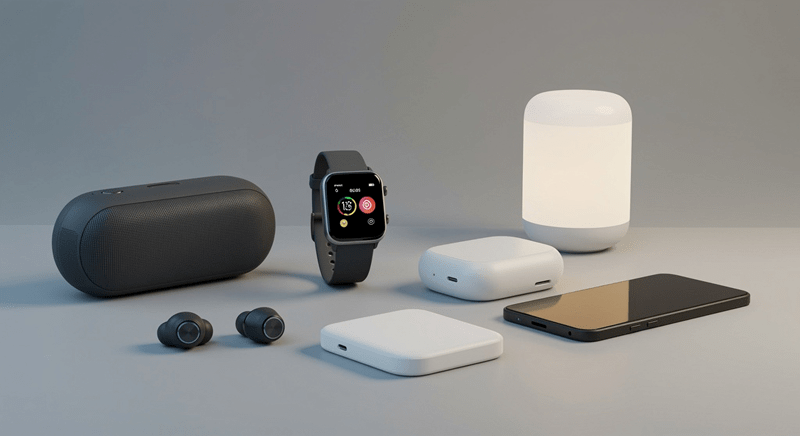
Wireless gear looks simple on the surface. No cords, no tangles, no stress. That is the dream, right? But in real life, wireless accessories can either make things smoother or quietly annoy people every day. Dropouts. Weird pairing issues. Chargers that run hot. Earbuds that fall out at the worst time. It happens.
Choosing the right stuff is not about buying the fanciest option. It is about picking accessories that match the devices someone already owns, the way they actually use them, and the places they use them most. Work desk. Commute. Gym. Couch. Airport. Each setting has its own “wireless problems.”
This guide breaks it down in plain language, so people can choose smarter and avoid the classic regret purchase.
The easiest way to shop is to start with three questions:
A dealbreaker might be “must not fall out during workouts.” Or “must charge fast.” Or “must connect instantly.” Once that is clear, the choices get easier.
People also do better when they pick one primary use case. Trying to buy “one accessory that does everything” usually leads to a mediocre experience. A pair of earbuds perfect for the gym might not be the best for Zoom calls. A travel charger might not be the best for a nightstand setup.
So yes, wireless can be simple, but the planning matters.
This is the part people skip, then complain later.
Different phones, laptops, tablets, and watches support different standards. Some devices work best inside the same brand ecosystem. Others are more open. A person does not need to become a tech expert, but they should check basics:
That last one matters more than it sounds. A lot of frustration happens when someone switches from laptop to phone and the accessory clings to the wrong device like a needy ex.
People buy wireless headphones for convenience, but comfort decides whether they actually get used. If they pinch, slip, or cause ear fatigue, they will end up in a drawer. Every time.
When shopping, the key things to test or check are:
Noise cancellation is nice, but it is not always necessary. Some people love it for commuting and travel. Others feel weird pressure and turn it off. That is normal.
Also, different styles fit different lives:
A buyer should be honest about where they will use them most. That answer usually makes the choice.
Bluetooth devices are everywhere now. Speakers, keyboards, mice, game controllers, car adapters, trackers, and more. Some work flawlessly. Others glitch in small, irritating ways.
What separates the good ones from the annoying ones? Stability.
Shoppers should look for:
Also, people should not ignore physical build quality. A cheap keyboard that flexes or a speaker with weak buttons will feel bad even if the connection is fine.
And here is a small tip that saves headaches: keep firmware updated when the product supports it. Not glamorous, but it prevents weird issues.
Wireless chargers are one of the most common wireless buys, and one of the easiest to mess up. The main reason is expectations. People assume wireless charging will always be fast and cool. Sometimes it is not.
Wireless charging can be slower than wired charging, especially for older standards or lower watt pads. It can also create heat, especially if the phone case is thick or misaligned.
When choosing a wireless charger, shoppers should check:
A stand style often works better for daily use because it helps align the phone correctly. Pads are fine, but people get tired of waking up to a phone that did not charge because it slid slightly out of position.
And if someone charges overnight, speed is less important than stability and safety.
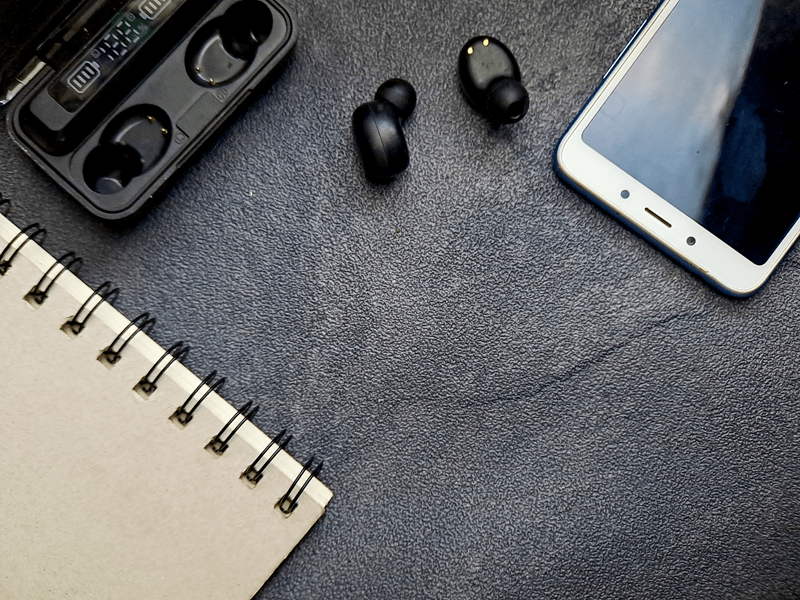
The category of smart accessories is huge. Smartwatches, trackers, tags, styluses, smart pens, even smart rings. Some of these genuinely improve daily life. Some feel like expensive toys after the novelty fades.
A simple way to decide is to ask: does this accessory solve a real daily problem?
Examples of real problems:
If the problem is not real, the accessory becomes clutter.
It also helps to think about long-term support. Smart devices rely on apps and updates. A cheap smart accessory with weak app support can become useless quickly.
A lot of people buy random tech accessories one at a time, then end up with a messy pile of mismatched gear. A smarter approach is building a simple “wireless kit” based on how someone lives.
For a commuter:
For a work-from-home setup:
For someone always on calls:
When accessories match the routine, they feel like upgrades, not extra responsibilities.
Specs are not useless, but real life problems rarely show up on the box.
These details matter a lot:
It is also worth checking what people say about reliability over time. Some accessories are great for a month, then slowly get buggy. Nobody wants that.
People can save money without buying low-quality gear. The key is choosing fewer items, but better ones.
A good strategy:
Also, older models can be a smart move. A one-generation-old product often costs less but still performs well. That is usually a better value than the cheapest off-brand option.
Choosing the best wireless accessories is not about chasing the latest release. It is about stability, comfort, and compatibility. The best accessories are the ones people stop noticing because they just work.
That is the goal. Not flashy. Not complicated. Just smooth, reliable wireless life.
Comfort, microphone quality, battery life, and connection stability matter most. The best pair is the one that feels good and works consistently every day.
Most are safe when they come from reputable brands and have proper safety certifications. A stable charger that manages heat well is a better pick than a cheap fast one.
Stick with reliable brands, keep firmware updated, and choose devices that support easy multi-device switching. Also, delete old pairings if connection issues start.
This content was created by AI